Clawdbot: Build Local-First AI Agents Across Any Chat Platform
The Problem You're Probably Facing
You've got Claude or GPT running somewhere in the cloud, but your actual work happens in WhatsApp, Telegram, Discord, or iMessage. You want an AI assistant that knows your context, respects your privacy, and can actually do things—not just chat. Cloud-only solutions mean your data, credentials, and conversations leave your control. That's where Clawdbot enters the picture.
What Is Clawdbot?
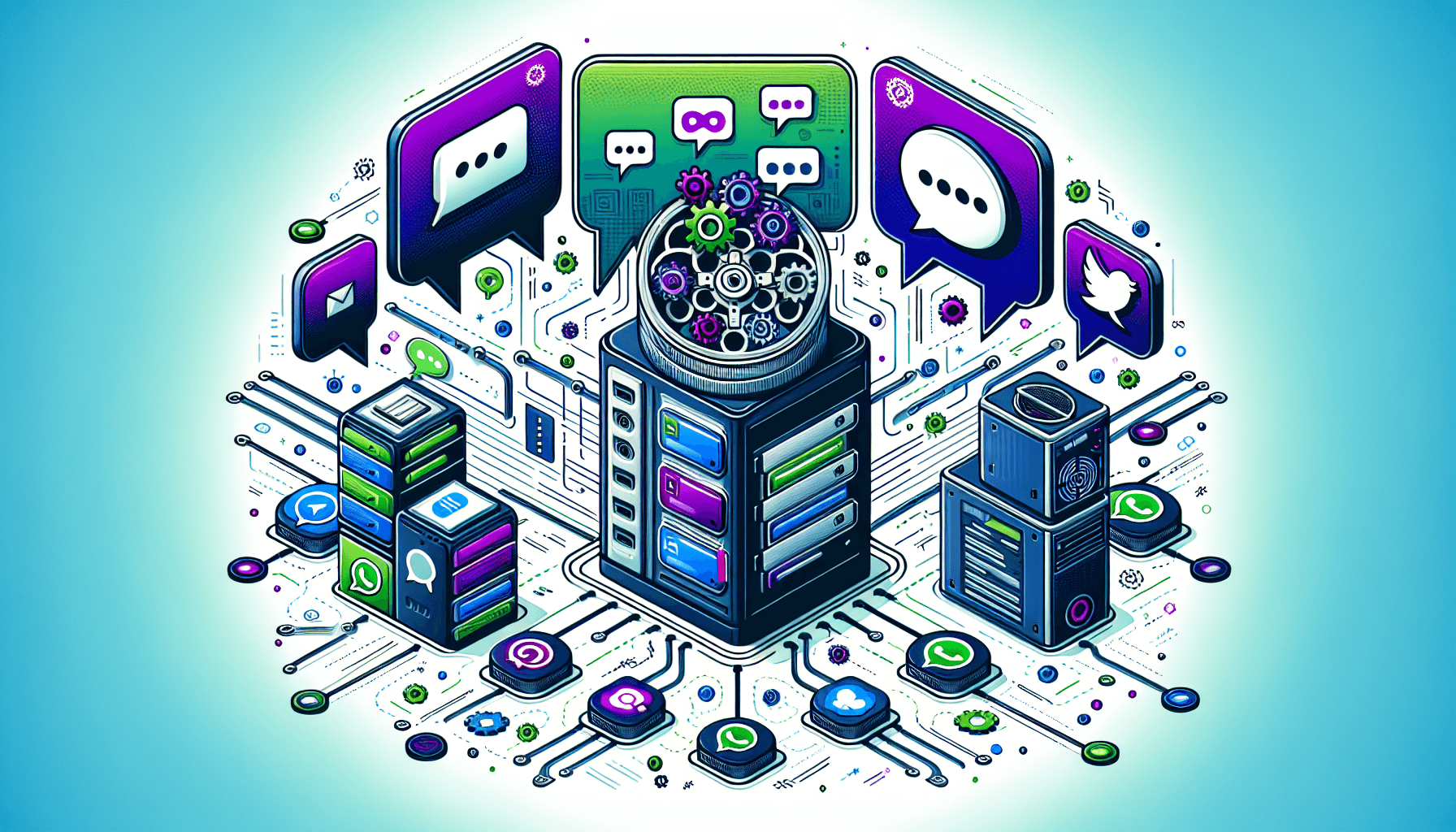
Clawdbot is an open-source, self-hosted AI agent framework that bridges multiple messaging platforms to local LLMs and coding agents. Think of it as your personal AI assistant that runs on your own hardware, connects to WhatsApp, Telegram, Discord, iMessage, and more, and can execute real tasks—from managing files to automating workflows—all while keeping your data local.
Unlike cloud-based chatbots, Clawdbot's local-first architecture means your conversations, API keys, and tool integrations stay on your machine unless you explicitly decide otherwise.
Getting Started: Installation & Basic Setup
Installation
Clawdbot provides a one-line installer for quick setup:
curl -fsSL https://clawd.bot/install.sh | bash

# Or via npm
npm i -g clawdbot

# Start the onboarding wizard
clawdbot onboard
If you prefer more control, clone the TypeScript repository and build with pnpm:
git clone https://github.com/clawdbot/clawdbot.git
cd clawdbot
npm install -g corepack
corepack enable pnpm
pnpm install
pnpm build
Initial Configuration
The onboarding wizard walks you through the essentials:
- Model selection – Choose Claude, GPT, or local models
- Platform setup – Connect WhatsApp, Telegram, Discord, etc.
- Node configuration – Enable optional features like macOS/iOS apps
- Control UI – Access the dashboard at
http://127.0.0.1:18789
The wizard generates a gateway token by default, even for local (loopback) access. For Tailnet access via Tailscale, you'll need to explicitly bind and provide a token:
clawdbot gateway --bind tailnet --token YOUR_TOKEN_HERECore Features: What Makes Clawdbot Powerful
1. Multi-Platform Messaging Gateway
Clawdbot's Gateway is the central router that handles messages from any platform and decides which agent should respond. It exposes a WebSocket control plane and manages sessions, presence, and scheduling.
Why this matters: You configure your AI once, and it works everywhere—WhatsApp, Telegram, Discord, iMessage, Signal, Slack. No need to build separate integrations for each platform.
{
  "gateway": {
    "bind": "127.0.0.1:18789",
    "token": "your-gateway-token"
  },
  "channels": {
    "whatsapp": {
      "enabled": true
    },
    "telegram": {
      "enabled": true,
      "botToken": "YOUR_TELEGRAM_BOT_TOKEN"
    },
    "discord": {
      "enabled": true,
      "token": "YOUR_DISCORD_BOT_TOKEN"
    }
  }
}
2. Skills System for Extensibility
Skills are reusable agent capabilities published to ClawdHub. Instead of hard-coding features, you compose them together. Want web search? Add the web skill. Need email? There's a skill for that.
Define a custom skill as a TypeScript module:
// skills/my-custom-skill.ts
export const myCustomSkill = {
  name: "my-custom-skill",
  description: "Does something awesome",
  tools: [
    {
      name: "awesome_action",
      description: "Perform an awesome action",
      inputSchema: {
        type: "object",
        properties: {
          target: {
            type: "string",
            description: "What to target"
          }
        },
        required: ["target"]
      },
      handler: async (input: { target: string }) => {
        // Your implementation here
        return { success: true, result: `Processed ${input.target}` };
      }
    }
  ]
};
Then register it in your config:
{
  "agents": {
    "default": {
      "skills": ["web", "browser", "my-custom-skill"]
    }
  }
}
3. Local Browser Automation & Full Computer Access
Clawdbot can control your browser via Chrome DevTools Protocol (CDP) and execute terminal commands with proper permissions. This means your agent can fill forms, scrape data, run scripts, and automate workflows.
// Example: Browser automation skill
export const browserSkill = {
  name: "browser",
  tools: [
    {
      name: "navigate",
      description: "Navigate to a URL",
      inputSchema: {
        type: "object",
        properties: {
          url: { type: "string" }
        },
        required: ["url"]
      },
      handler: async (input: { url: string }) => {
        // CDP connection handles navigation
        return { status: "navigated", url: input.url };
      }
    },
    {
      name: "execute_script",
      description: "Execute JavaScript in the browser",
      inputSchema: {
        type: "object",
        properties: {
          script: { type: "string" }
        },
        required: ["script"]
      },
      handler: async (input: { script: string }) => {
        // Execute and return results
        return { result: "Script executed" };
      }
    }
  ]
};
Real-World Example: Personal Automation Agent
Here's a practical setup for a personal assistant that monitors your health, manages your calendar, and keeps you accountable:
{
  "agents": {
    "personal": {
      "model": "anthropic/claude-opus",
      "skills": ["web", "browser", "calendar", "health-tracker", "telegram"],
      "systemPrompt": "You are a personal assistant. Help with scheduling, health tracking, and productivity. Check in via Telegram if the user is quiet too long.",
      "historyLimit": 100,
      "replyToMode": "mention"
    }
  },
  "channels": {
    "telegram": {
      "enabled": true,
      "botToken": "YOUR_TOKEN"
    }
  },
  "cron": [
    {
      "schedule": "0 22 * * *",
      "agent": "personal",
      "message": "Check my sleep data and remind me if I'm staying up too late"
    },
    {
      "schedule": "0 9 * * 1",
      "agent": "personal",
      "message": "Review my week's exercise and health metrics"
    }
  ]
}
Your agent can now:
- Log health data from wearables and remind you when patterns change
- Write and deploy code directly from chat
- Update your notes (Obsidian, Notion, etc.) automatically
- Monitor earthquakes in specific locations and alert you
- Manage your calendar and check you in for flights
- Remember context across sessions about your projects and preferences
Tips, Gotchas & Best Practices
1. Configuration Merging Can Be Tricky
Clawdbot supports $include for modular configs, but merging behavior matters:
{
  "$include": "./base.json",
  "agents": {
    "secondary": { "model": "anthropic/claude-haiku" }
  }
}
Gotcha: If your included file has an array (like fallbacks), sibling keys won't merge—the included content must be an object. Keep this in mind when splitting configs.
2. Sessions Collapse by Default
Direct chats collapse into a shared main session, but groups are isolated. If you want per-user isolation in DMs, configure it explicitly in your channel settings.
3. Permissions Matter for Full Power
For full computer access (terminal commands, file system access), grant appropriate permissions during Node setup. Without them, your agent is limited to safe operations only.
4. Use Tailscale for Remote Access Safely
Instead of exposing your Gateway to the internet, use Tailscale for secure remote access:
clawdbot gateway --bind tailnet --token YOUR_TAILSCALE_TOKENThis keeps your agent on a private network while accessible from your phone or other devices.
5. Test Skills in Isolation
Before deploying a skill to production, test it with a development agent:
clawdbot agent create --name dev --model anthropic/claude-haiku
clawdbot skill install ./my-custom-skill
When to Use Clawdbot
Use Clawdbot if you:
- Want a personal AI assistant that respects your privacy
- Need your agent to integrate multiple messaging platforms
- Require automation across tools (calendar, email, code deployment)
- Prefer self-hosted solutions over cloud services
- Want extensibility through a skill system
- Need local browser automation and file system access
Consider alternatives if:
- You need a cloud-hosted solution with zero setup
- Your use case is simple chat-only (basic Discord bots might suffice)
- You lack local hardware to run a daemon process
Conclusion
Clawdbot bridges the gap between modern LLMs and your actual workflow. By running locally and connecting to every chat platform you use, it becomes a genuinely useful assistant—not just another chatbot. The skill system and local-first architecture make it extensible and private.
Next steps:
- Install via the one-liner and run the onboarding wizard
- Connect your primary chat platform (WhatsApp, Telegram, or Discord)
- Explore ClawdHub skills and add what you need
- Build a custom skill for something specific to your workflow
- Enable daemon mode (launchd on macOS, systemd on Linux) for always-on access
Start small, iterate, and let your agent grow with your needs. The best part? Everything stays on your machine.