Numbers should settle, not slide
Every landing page has that moment: a stat scrolls into view and counts up. "10,000 happy customers." "99.9% uptime." It's a nice bit of motion — except most implementations tween the number linearly, easing from zero to the target at a rate that's the same at the start, the middle, and the end.
Nothing physical moves like that. A dropped ball, a plucked string, a car easing to a stop — they all accelerate, decelerate, and settle. Our eyes have spent a lifetime watching things obey physics, and a number that glides at constant speed reads, subtly, as fake.
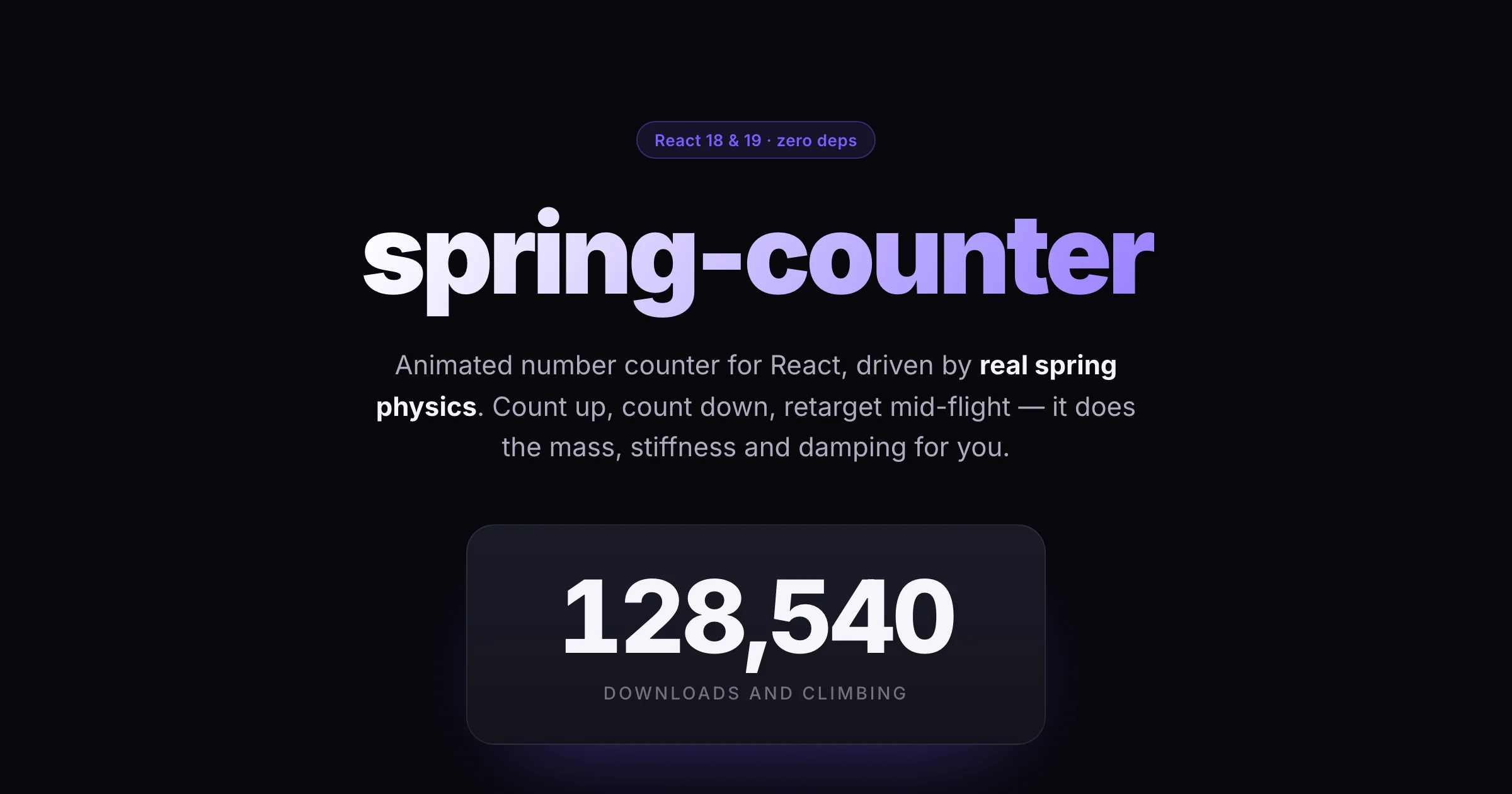
So I built spring-counter: a small React library that animates a number with an actual spring simulation instead of a duration and an easing curve.
What it does
Two exports cover almost everything.
The component:
import { SpringCounter } from 'spring-counter';

<SpringCounter value={128540} locale="en-US" />
That counts up from zero on mount and lands on 128,540. Change value later and it springs from wherever it currently is to the new number.
The hook, for when you want to render the markup yourself:
const { formatted, isAnimating } = useSpringCounter(value, { stiffness: 210, damping: 20 });There's locale-aware formatting (decimals, thousands separators, prefix/suffix, or a full custom format()), and knobs for the spring itself: stiffness, damping, mass. Crank the damping down and the number overshoots and wobbles; pile on mass and it lumbers. The defaults are critically damped, so it's quick and doesn't overshoot.
How it works
Under the hood is a plain damped-spring integrator. Each frame, I compute the spring force pulling the value toward its target, subtract a damping force proportional to velocity, turn that into acceleration, and step velocity and position forward:
const springForce = -stiffness * (x - target);
const dampingForce = -damping * v;
const acceleration = (springForce + dampingForce) / mass;
v += acceleration * h;
x += v * h;
Two details matter more than they look. First, h — the timestep — isn't the raw frame delta. Springs integrated with a variable timestep get unstable when frames are long (a backgrounded tab can hand you a 5-second gap, and the spring detonates across the screen). So I clamp the delta and integrate at a fixed 120 Hz sub-step, running that inner loop as many times as the elapsed time needs. The motion is identical at 60fps, 144fps, or a stuttering 20fps.
Second is what happens when the target changes mid-flight. A naive counter restarts from zero on every new value. This one doesn't: position and velocity live in refs, so when value changes the spring just redirects from where it is, carrying its momentum. Retargeting a live dashboard number looks fluid because it is continuous — no reset, no snap.
It stops when it's close enough — within a small precision of the target and nearly still — at which point it snaps exactly to the target and cancels the animation frame so it isn't burning CPU forever.
The StrictMode trap
Here's the part that cost me time. React 18 and 19 run every effect through a simulated unmount/remount in development StrictMode — mount, unmount, mount again — to flush out setup that isn't cleanup-safe. If you start a requestAnimationFrame loop or an observer in a ref callback and clean it up in a separate useEffect, the cleanup fires on the simulated unmount but the ref callback never re-runs on the remount. Your animation dies silently, and jsdom tests won't catch it because jsdom doesn't perform that dance.
The discipline that avoids it: the entire rAF lifecycle lives inside one useEffect. Setup schedules the frame; the returned cleanup cancels it. When StrictMode tears things down and rebuilds them, the effect re-runs from scratch and the loop keeps going. No dangling frames, no dead counters. The demo runs under <StrictMode> specifically so this stays honest.
Accessibility
A number changing 60 times a second is hostile to a screen reader. So the animated digits are aria-hidden, and the formatted target value is rendered once as a stable, visually-hidden label. Assistive tech announces "128,540" a single time; everyone else watches it count. And if the user asks for reduced motion, the animation is skipped entirely and the value just appears.
Try it
pnpm add spring-counterIt's TypeScript-first, dependency-free, works on React 18 and 19, and is MIT licensed. There's a demo with all of it animating at once — scroll-triggered stats, the five spring presets side by side, and a live retargeting counter you can poke.
What's next
A few things I'm mulling: an imperative start()/stop() handle for people who want manual control, per-digit odometer rendering as an opt-in, and a couple more named presets. If your use case doesn't fit the current API, open an issue — I'd rather grow it from real needs than guess.
For now it does the one thing I wanted: the number settles like it has mass.
End of essay