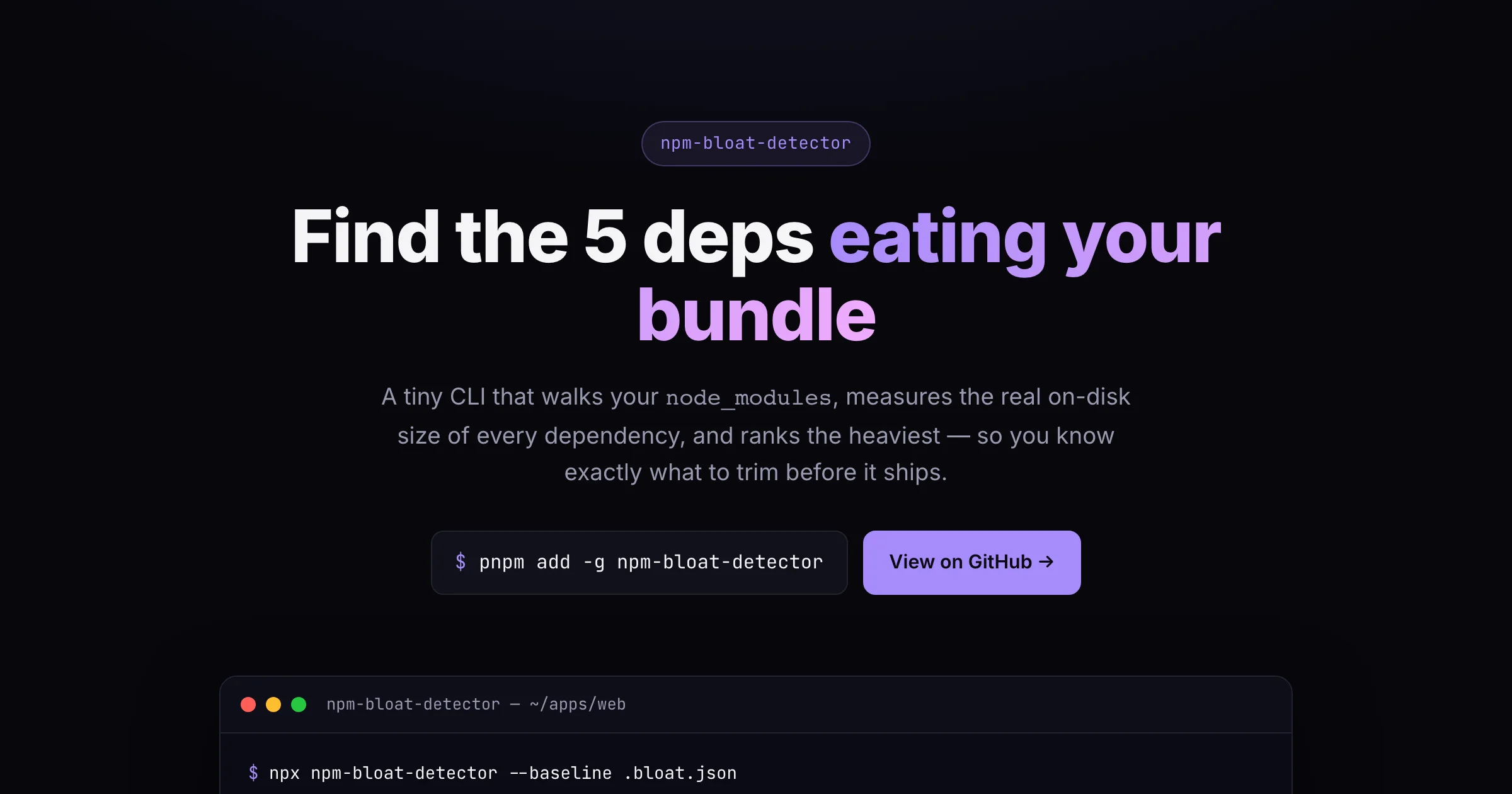
I built a browser-based Open Graph image editor (and got the canvas renderer to 100% coverage)
Every link you paste into Slack, X, LinkedIn or iMessage unfurls into a preview
card. That card is the first — and often only — impression your link makes. Yet
most of them are blank, weirdly cropped, or a screenshot someone resized in a
hurry. The "proper" fix is to open Figma, build a 1200×630 frame, export a PNG,
and wire it into your <head>. That's a lot of ceremony for an image.
I wanted something faster, so I built OG Image Studio: a visual editor for
Open Graph images that runs entirely in the browser. You type a title, pick a
background, nudge some fonts, and a live 1200×630 preview updates as you go. One
click exports a PNG. Nothing is uploaded — the whole thing renders on a
<canvas> in your tab.
What it does
The editor gives you the knobs that actually matter for a social card:
- A title and optional subtitle, each with font, size, weight, colour and alignment.
- Backgrounds: a solid colour, a linear/radial gradient with as many stops as you like, or an uploaded image with a "darken" overlay so your text stays readable.
- Presets — a few starting points (Midnight, Sunset, Terminal, Spotlight) so you don't begin from a blank rectangle.
- A Copy meta tags button that hands you the
<meta property="og:image" …>snippet to paste into your head.
Text auto-wraps and the whole block is vertically centred at the real export resolution, so what you see is genuinely what you ship.
How I built it
The stack is Next.js 15 (App Router), React 19, TypeScript in strict mode, and Tailwind. But the two decisions I'm happiest about are smaller than the framework choices.
1. A framework-agnostic, synchronous renderer
It would have been tempting to bury the drawing logic inside a React component
with a useEffect poking at a canvas ref. Instead I pulled the entire engine
out into plain TypeScript that knows nothing about React. The core is one
function:
renderOg(ctx, config, image?)ctx is anything that looks like a CanvasRenderingContext2D. config is a
plain OgConfig object. The optional image is a already-resolved image —
{ source, width, height } — not a URL.
That last part is the key trick. Image loading is asynchronous and messy;
drawing should be neither. By making the caller resolve the image first and pass
it in, renderOg stays completely synchronous and pure. The React layer owns
the async loading; the engine just draws.
This paid off enormously in testing. Because the engine only depends on a tiny
RenderTarget interface, I could test it with a hand-rolled mock context built
from a handful of vi.fn() spies — no jsdom canvas polyfill, no headless
browser. Every branch (solid vs gradient vs image, overlay vs no overlay, left/
center/right alignment, with/without subtitle) is reachable from plain function
calls. The suite hits 100% of statements, branches, functions and lines, and
it runs in milliseconds.
2. A StrictMode-safe image hook
React 19's StrictMode deliberately mounts, unmounts and remounts your effects in
development to flush out cleanup bugs. A really common pattern — set up a browser
object in a ref callback, tear it down in a separate useEffect — quietly
breaks under this, because the cleanup runs but the ref callback never fires
again. Your image (or observer, or listener) is gone and nothing tells you.
So the image loader keeps its whole lifecycle inside a single effect:
useEffect(() => {
  if (!src) { setImage(null); return; }
  let cancelled = false;
  const el = new Image();
  el.crossOrigin = 'anonymous';
  el.onload = () => { if (!cancelled) setImage({ source: el, width: el.naturalWidth, height: el.naturalHeight }); };
  el.src = src;
  return () => { cancelled = true; };
}, [src]);
The cancelled flag means a slow load that resolves after you've already
switched images can't clobber the newer one. Create, load and set state all live
together, so StrictMode's remount re-runs the whole thing cleanly.
A note on exporting
Exporting is just canvas.toBlob() wrapped in a promise, then an anchor click
with an object URL. The one gotcha is tainted canvases: if you draw an image
from another origin without CORS headers, the browser refuses to export and
throws. The UI catches that and tells you what happened instead of silently
doing nothing.
Try it
The studio is live here: https://og-image-studio-jet.vercel.app
Or run it locally:
git clone https://github.com/kea0811/og-image-studio
cd og-image-studio
pnpm install
pnpm dev
The rendering engine is also importable on its own if you'd rather generate
cards programmatically in an OG route — renderOg, createDefaultConfig,
gradientToCss and the presets are all exported and fully typed.
What's next
A few things on my list: downloadable templates with logo slots, a
shareable-URL state so you can hand someone a link to a half-finished card, font
loading for custom typefaces, and a @vercel/og-style server route built on the
same engine. If you have ideas (or find a gradient that looks bad), the repo is
open — issues and PRs welcome.
End of essay